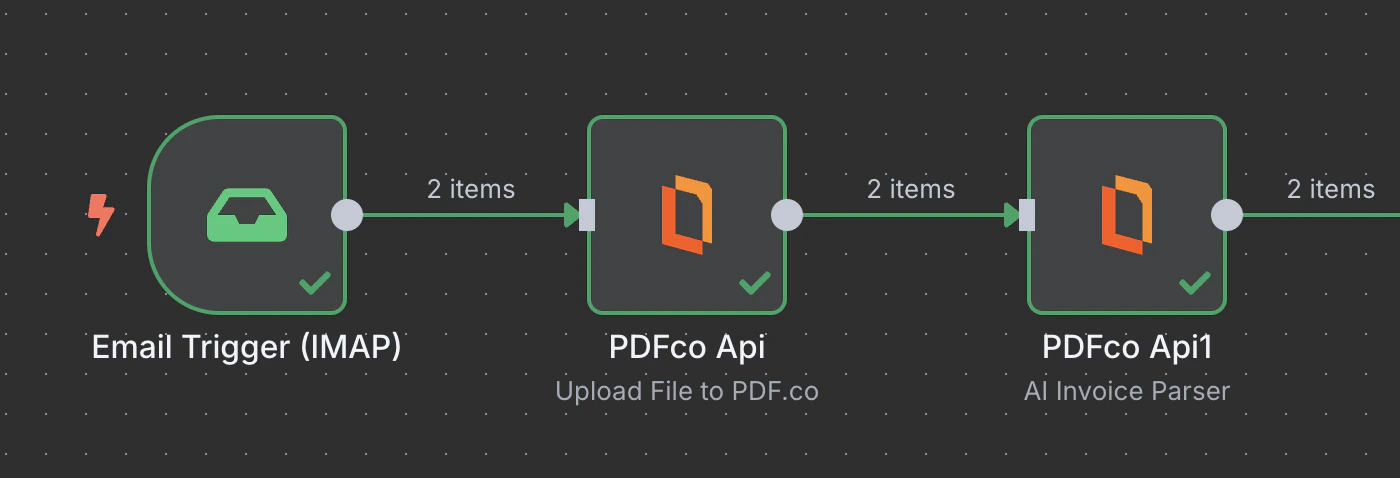
This operation lets you upload your binary file, base64 data, or generated PDF to PDF.co and receive a URL in return. You can then use this URL with other PDF.co operations for further processing.
The Upload File to PDF.co operation acts as a bridge between the binary files or base64 data from the previous node and the PDF.co node, enabling smooth integration in automated workflows.
These are typical workflows where files from popular sources are uploaded to PDF.co for further processing. Each example includes a step-by-step tutorial to help you set it up in n8n.
Choose the upload method: use Standard Upload to upload files directly (supports up to 2GB), or Base64 Upload to upload files using base64-encoded data.
Yes
Binary File
Enable this toggle when uploading binary file data from a previous node.
No
Base64 Content
The base64 encoded content of the file to upload.
Yes
File Content
Enter the text content for the PDF file to be created and uploaded to our storage.
Yes
File Name
File name for the uploaded PDF. The input must be a string.